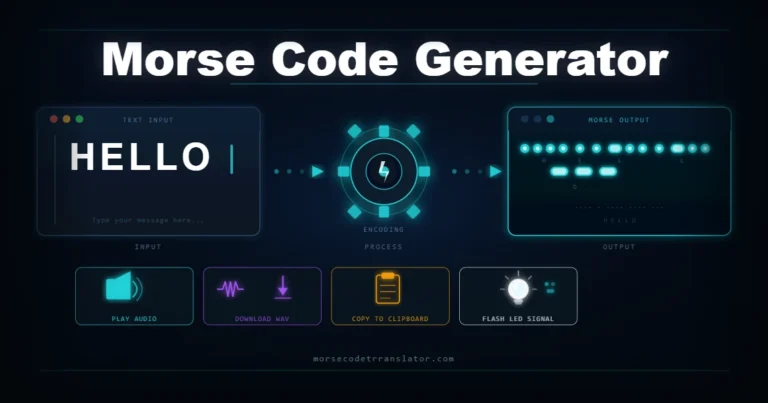
You have a photo of morse code dots and dashes and need to know what it says. A morse code translator picture tool reads the image, identifies the dot-dash patterns, and gives you decoded English text in seconds. This guide covers how image-based morse code translation works, what makes a good picture for accurate results, and how our free online tool handles it.
What Is a Morse Code Translator Picture Tool
A morse code translator picture tool accepts an uploaded image — a photo, screenshot, or scanned document — and extracts the morse code dots and dashes from it using image recognition technology.
Normal morse code translators require typed input. A picture translator skips that step — you upload the image and the tool reads the patterns for you. This matters when the morse code exists in physical form where retyping every dot and dash would be slow and error-prone.
The technology behind this is Optical Character Recognition, or OCR — the same technology that converts scanned documents into editable text, adapted to detect morse code signal patterns.
How Does a Morse Code Translator Picture to Text Tool Work
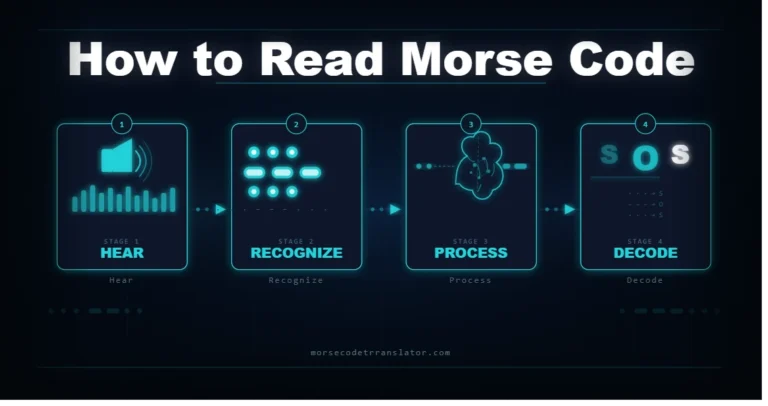
The conversion happens in five steps.
- Step 1 — Upload and preprocessing: The tool adjusts brightness and contrast to separate the morse marks from the background.
- Step 2 — Pattern detection: The OCR engine scans for short marks (dots) and long marks (dashes). Spacing between marks defines letter and word boundaries.
- Step 3 — Sequence extraction: The detected marks build a morse string like
.... . .-.. .-.. ---in left-to-right order. - Step 4 — Decode to text: The morse string is matched against the ITU-R M.1677-1 lookup table and converted to English characters.
- Step 5 — Output: The decoded text appears on screen, ready to copy or download.
How to Convert a Morse Code Picture to English Online Free
Converting a morse code image to English text using our free tool takes about thirty seconds.
- Open this platform and click the Image Decoder tab
- Upload your image by clicking or dragging it into the drop zone
- Adjust the OCR threshold slider if the image is dark or low contrast
- Click Scan Image
- Copy the decoded English text or the raw morse string
No account needed. No watermarks. The tool runs entirely in your browser.
Benefits of Using a Morse Code Translator Picture Free Tool
Speed: A long morse code message that takes twenty minutes to decode manually takes seconds with an image tool.
No morse knowledge needed: Upload the picture and the tool handles the pattern recognition. Useful for puzzles, classroom exercises, history projects, and curiosity-driven searches.
Accuracy for beginners: The tool eliminates miscounting dashes and mixing up similar letter patterns — the most common beginner errors.
Works with physical objects: Photograph morse code on a wall, jewelry, letter, or printed document and decode it without transcribing anything by hand.
Can a Morse Code Translator Read Any Picture
Not every image produces accurate results. Several factors affect how well the tool can detect morse code from a picture.
| Factor | Impact | Fix |
|---|---|---|
| Image quality | Sharp, well-lit images give best results. Blurry or dark photos reduce accuracy. | Use daylight or flash for physical morse code photos. |
| Handwritten morse | Printed morse is easier to detect than handwritten. Handwritten dots and dashes vary in size. | Adjust the OCR threshold slider to improve detection sensitivity. |
| Background noise | Patterned backgrounds and mixed text confuse the detection engine. | Crop the image tightly to show only the morse code before uploading. |
| Inconsistent spacing | If letter grouping comes out wrong, the raw string may need manual correction. | Copy the raw morse string and check it in the Translator tab manually. |
How Morse Code Works | Understanding Dots and Dashes
Morse code was developed in the 1830s and 1840s by Samuel Morse and Alfred Vail for the electric telegraph. According to Encyclopaedia Britannica, it assigns a unique dot-dash sequence to every letter and numeral. The current standard — ITU-R M.1677-1 from the International Telecommunication Union — covers all 26 letters, numerals 0 through 9, and common punctuation.
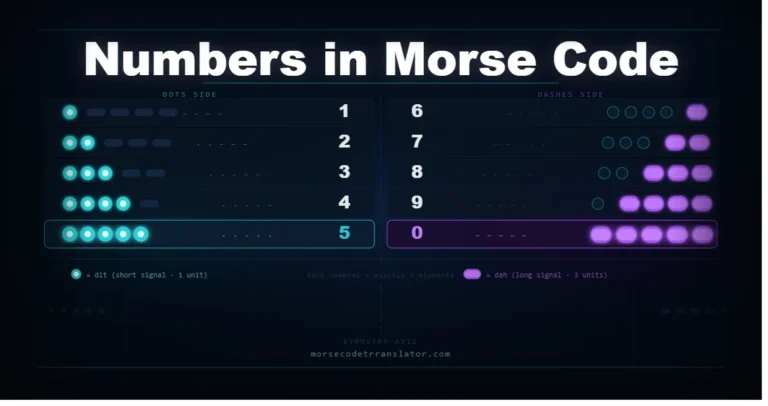
E is one dot. T is one dash. S is three dots. O is three dashes. No two letters share the same pattern — which is what makes error-free transmission possible even through static and poor signal conditions.
Frequently Asked Questions
What is a morse code translator picture?
An online tool that accepts an uploaded image containing morse code dots and dashes and converts the visual patterns into readable English text using OCR technology.
Can I convert a morse code image to text for free?
Yes. The Image Decoder tab on this platform is completely free — upload your image, click Scan Image, and get the decoded text. No account required.
Is there a free morse code translator picture to text online?
Yes. Our tool accepts JPG, PNG, GIF, and WEBP files and converts them in your browser with no external processing.
Can Google translate morse code from images?
Google Lens is not designed for morse code patterns. A dedicated morse code image translator produces better results because it is built specifically to recognize dots, dashes, and morse spacing.
How accurate are image morse code translators?
Clear, high-contrast images of printed morse code give near-perfect results. Handwritten morse, low-resolution photos, and patterned backgrounds reduce accuracy. Cropping tightly to the morse code area and adjusting the threshold slider helps significantly.
Start Decoding Morse Code Pictures Right Now
A morse code translator picture tool removes the most time-consuming part of image-based decoding — counting every single dot and dash by hand. Upload your image, let the OCR engine extract the patterns, and get your English text in seconds.
Open the Image Decoder tab on this platform to try it now. To decode a morse code string you already have typed, use our main Morse to Text translator on the homepage. For the complete A to Z reference, visit our Morse Code Alphabet page. To start learning from scratch, visit our Morse Code for Beginners guide.